
 7 QC photos listed
PIKOBUY Spreadsheet — Accessories
Accessories in Pikobuy Spreadsheet: browse listing photos and reference prices, then check the selected variant, measurements and current availability.
7 QC photos listed 4 QC photos listed
 3 QC photos listed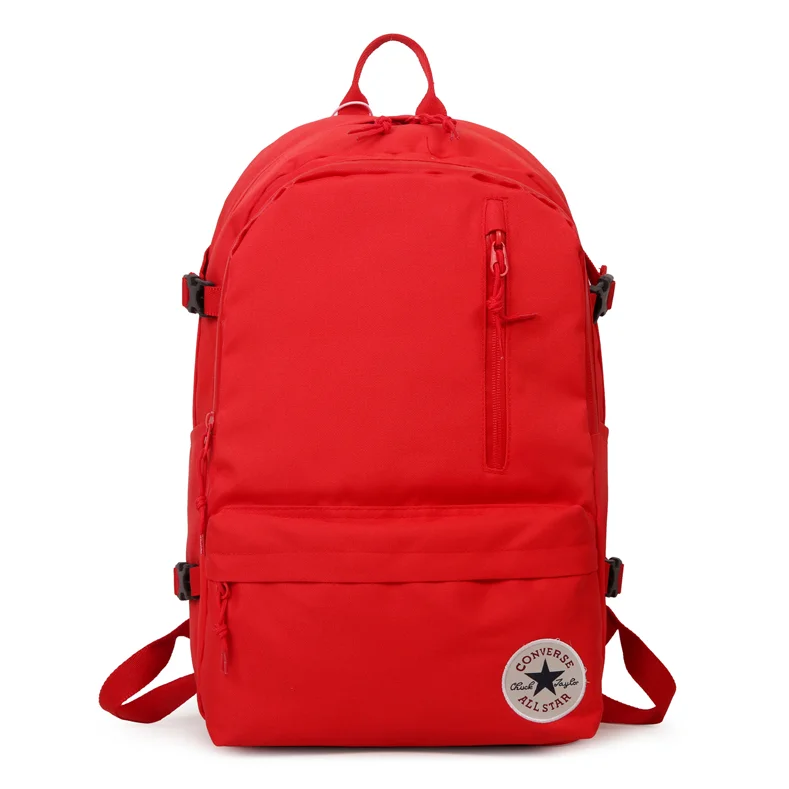

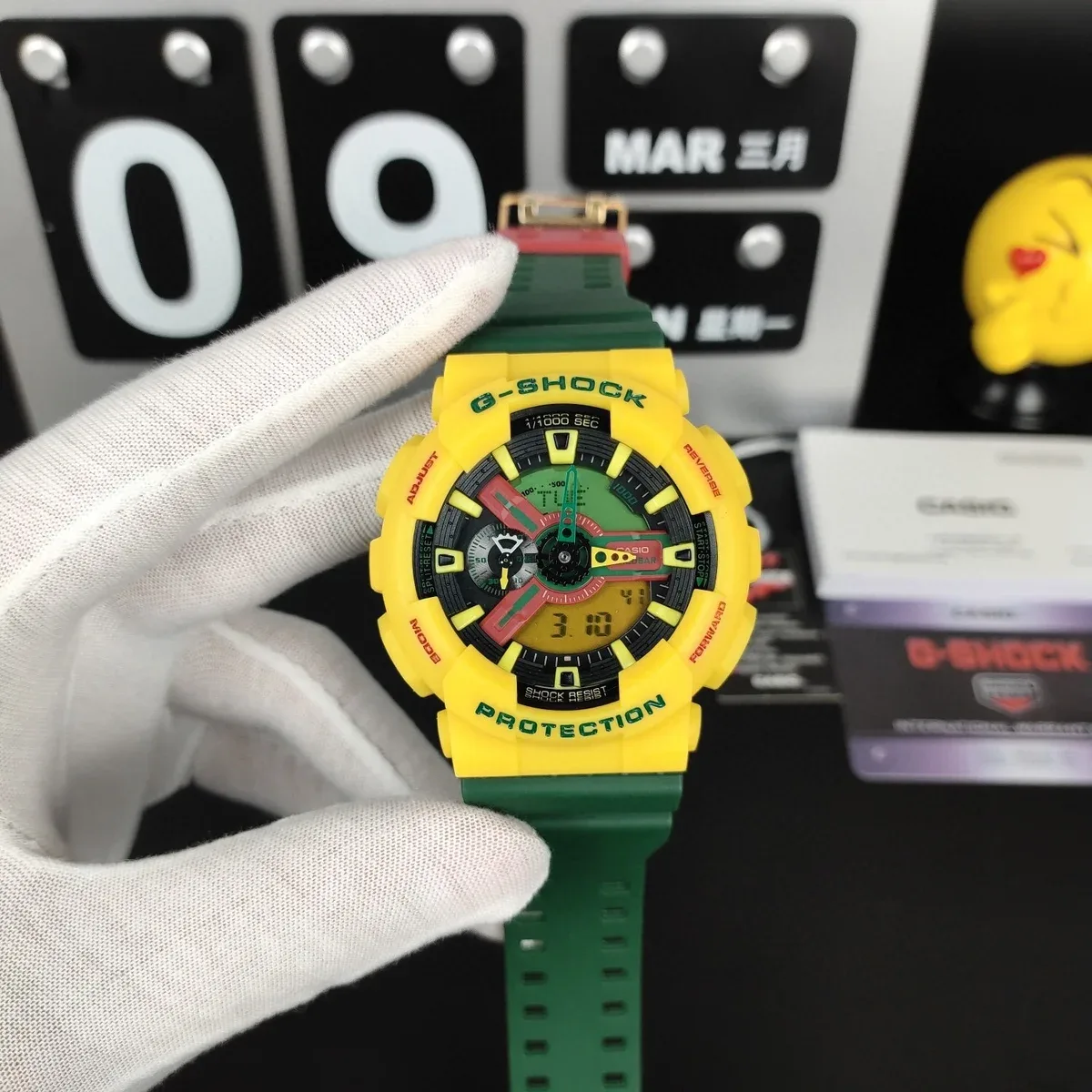


 2 QC photos listed
 1 QC photos listed
 1 QC photos listed
 2 QC photos listed
 1 QC photos listed
 2 QC photos listed
 2 QC photos listed
 1 QC photos listed
 1 QC photos listed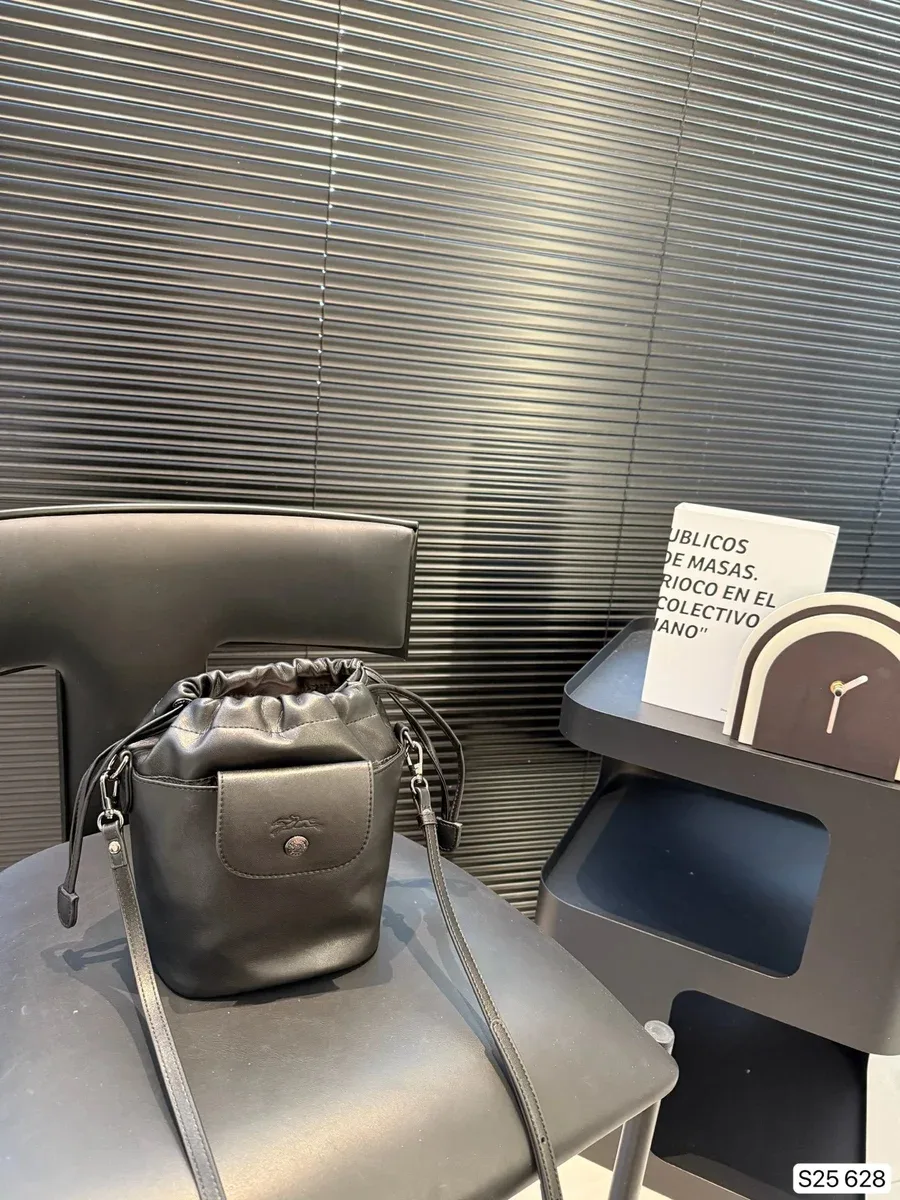



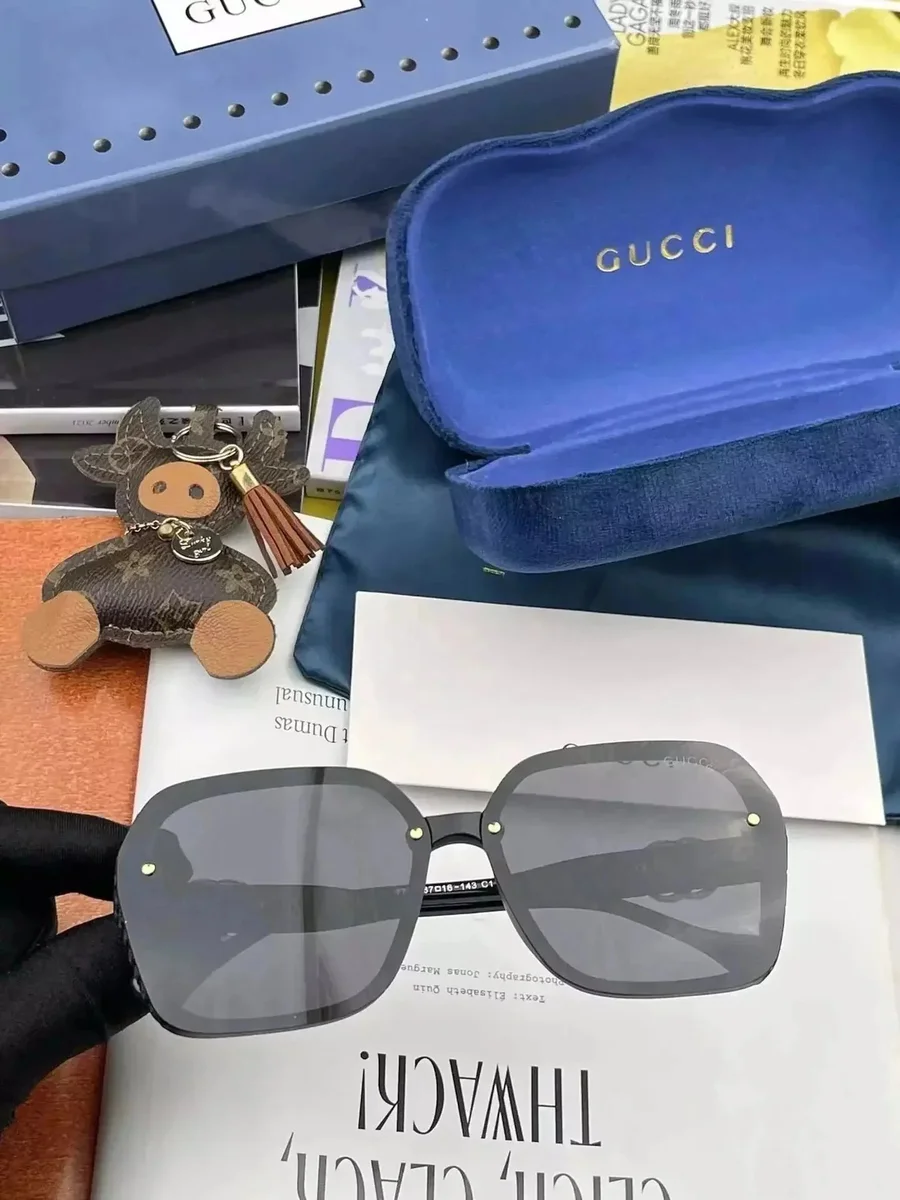
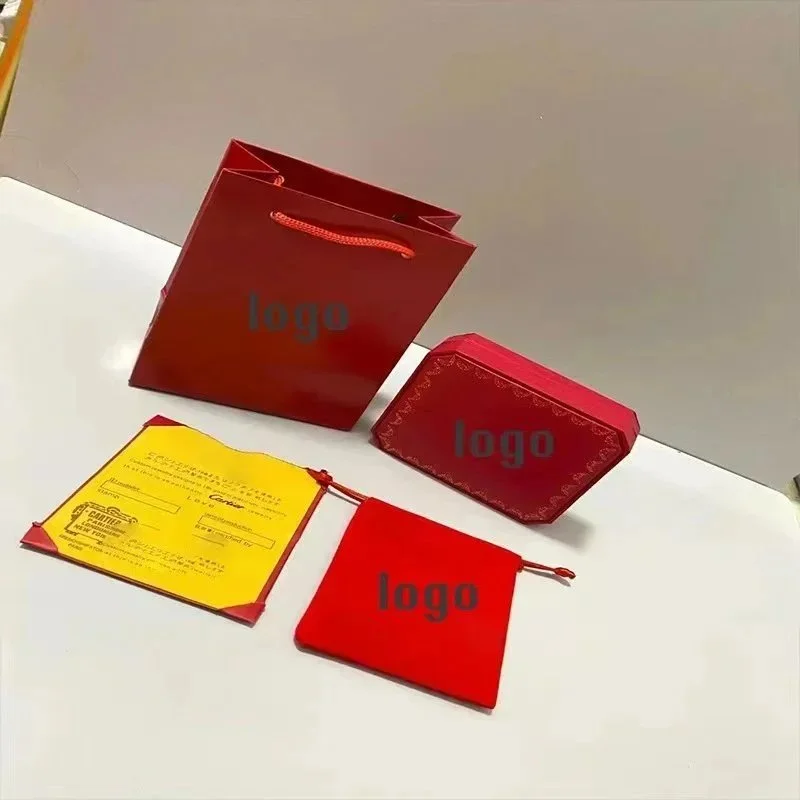


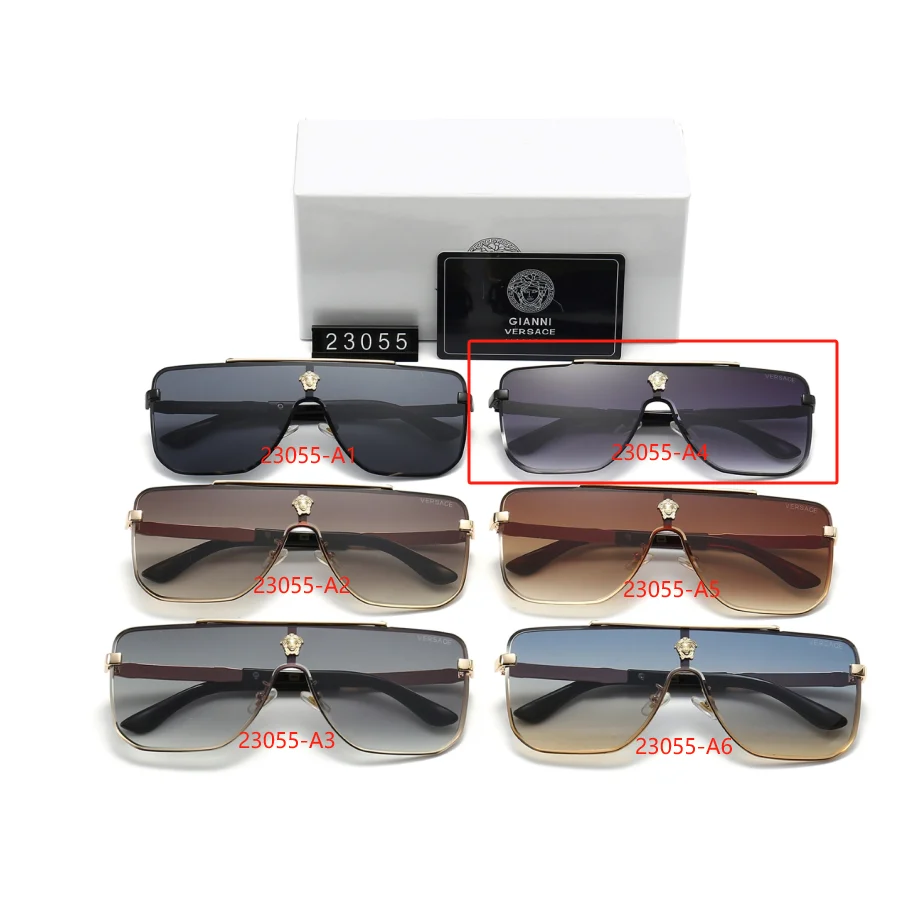


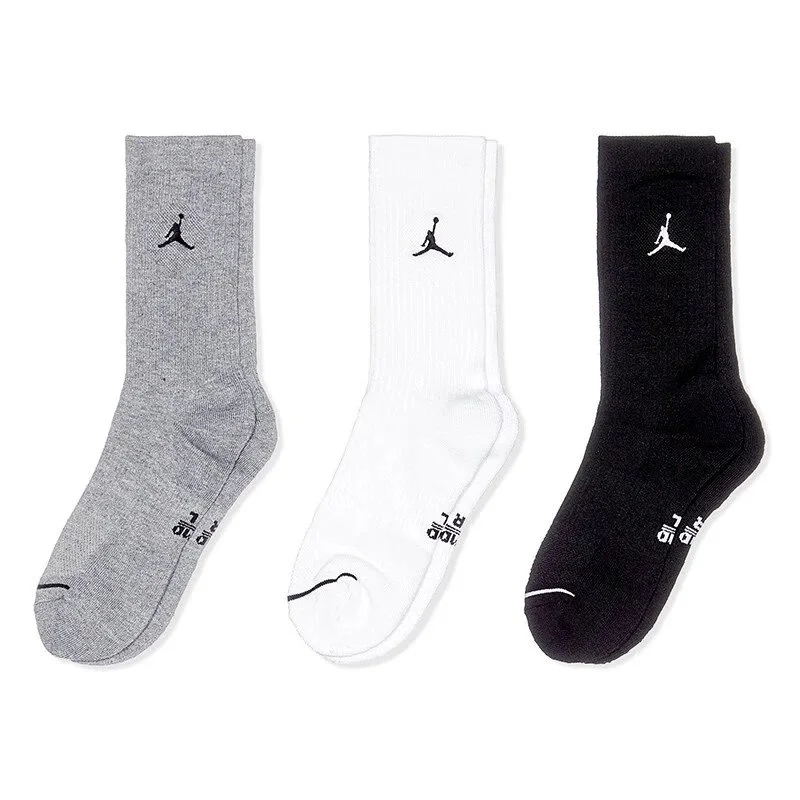

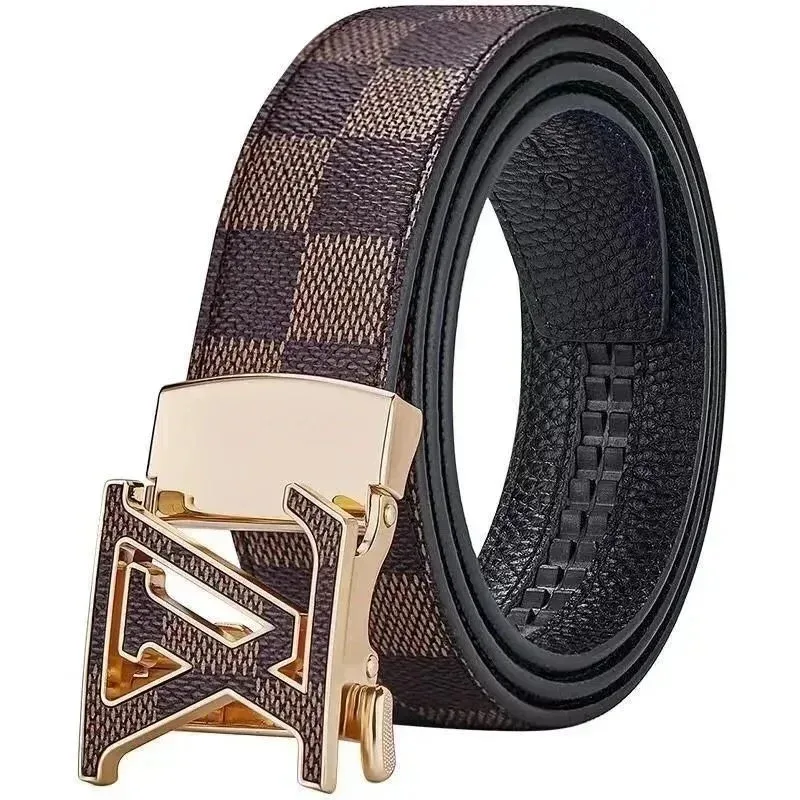


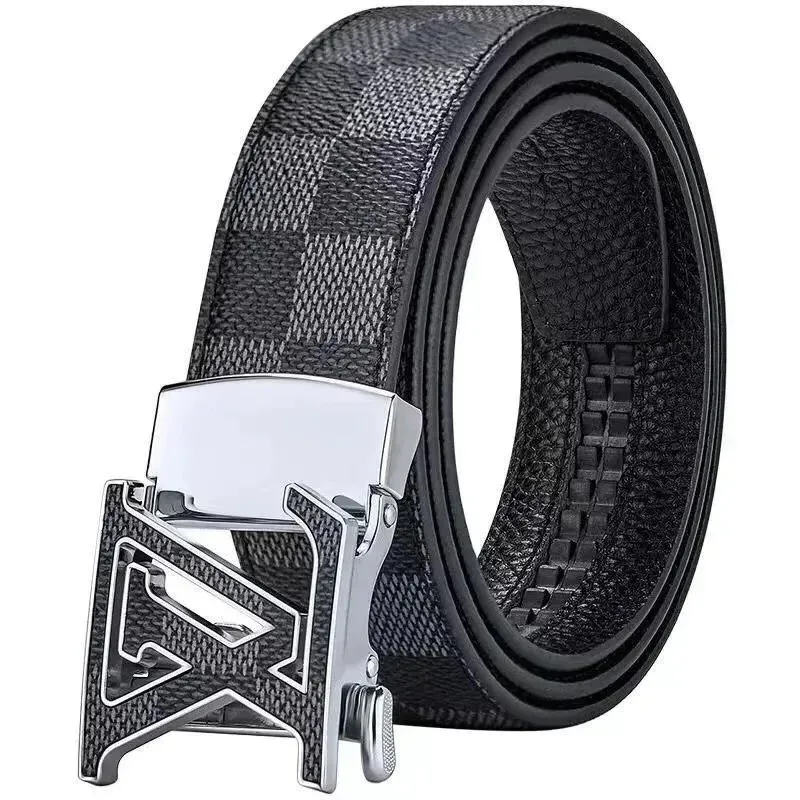
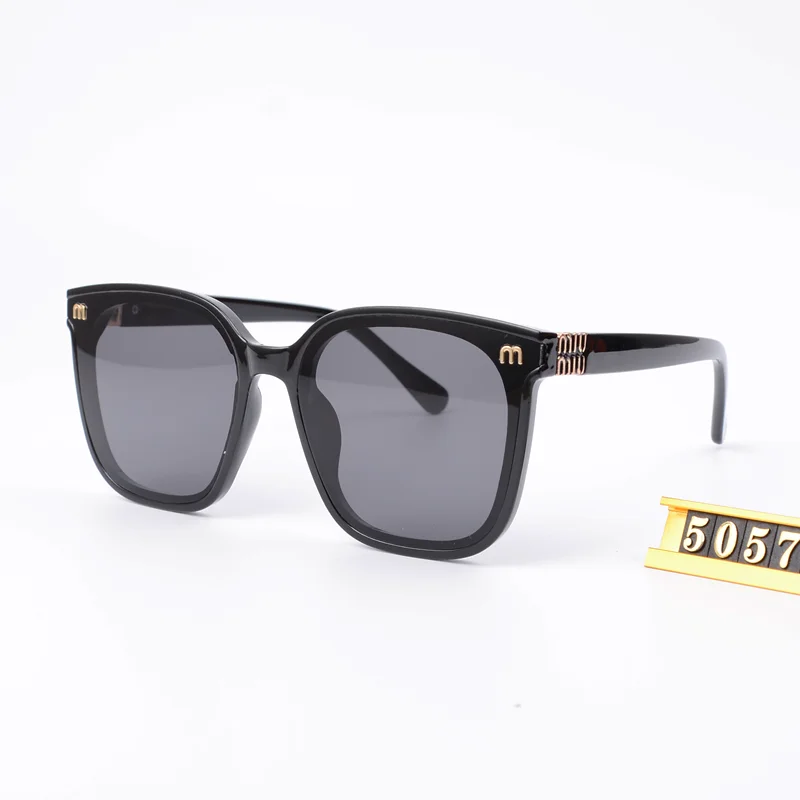
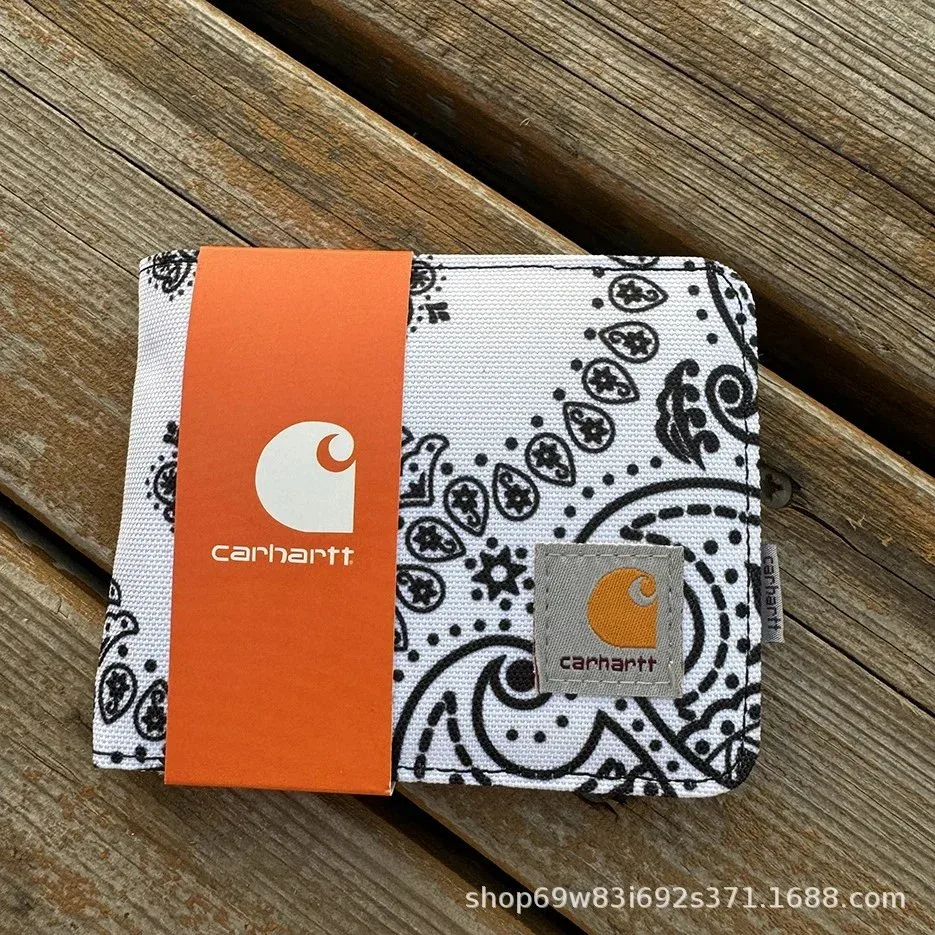



Reference item prices; confirm the current variant, price and availability on the source page. Catalog snapshot: 2026-10-20. QC counts, where shown, are from the source listing and are not photos of your own order.
BEFORE YOU CHOOSE
Small items still deserve a careful check.
This section mixes bags, belts, eyewear, headwear and smaller pieces. Compare items within the same type first; the details that matter for a belt are different from those for a bag or watch.
Quick checks
- Confirm dimensions, material claims and included accessories.
- For moving or electronic parts, ask what testing the warehouse can perform.
- Check the selected shipping route for item restrictions.
Check dimensions and fit
Confirm bag width and strap length, belt length and buckle width, or eyewear frame measurements as relevant. Compare those numbers with an item you already own rather than relying on a single scale-free photo.
Look at working parts
Inspect closures, stitching, hinges, clasps and included accessories in the available images. A QC photo count shows that source photos are listed, but it does not confirm function or the condition of your own order.
Check shipping restrictions
Some materials, batteries or delicate parts can affect available shipping routes. Verify the current item details and packing options before relying on the reference price as your total cost.
Related guides
More finds for your next haul.
Explore more products and styles in the full collection.